
 Switch to Kodezi Code
 Kodezi CLI
Interface Overview
Learn the layout and main components of the Kodezi Create workspace.
The Kodezi Create workspace is organized into four main panels, each designed to streamline your development workflow.
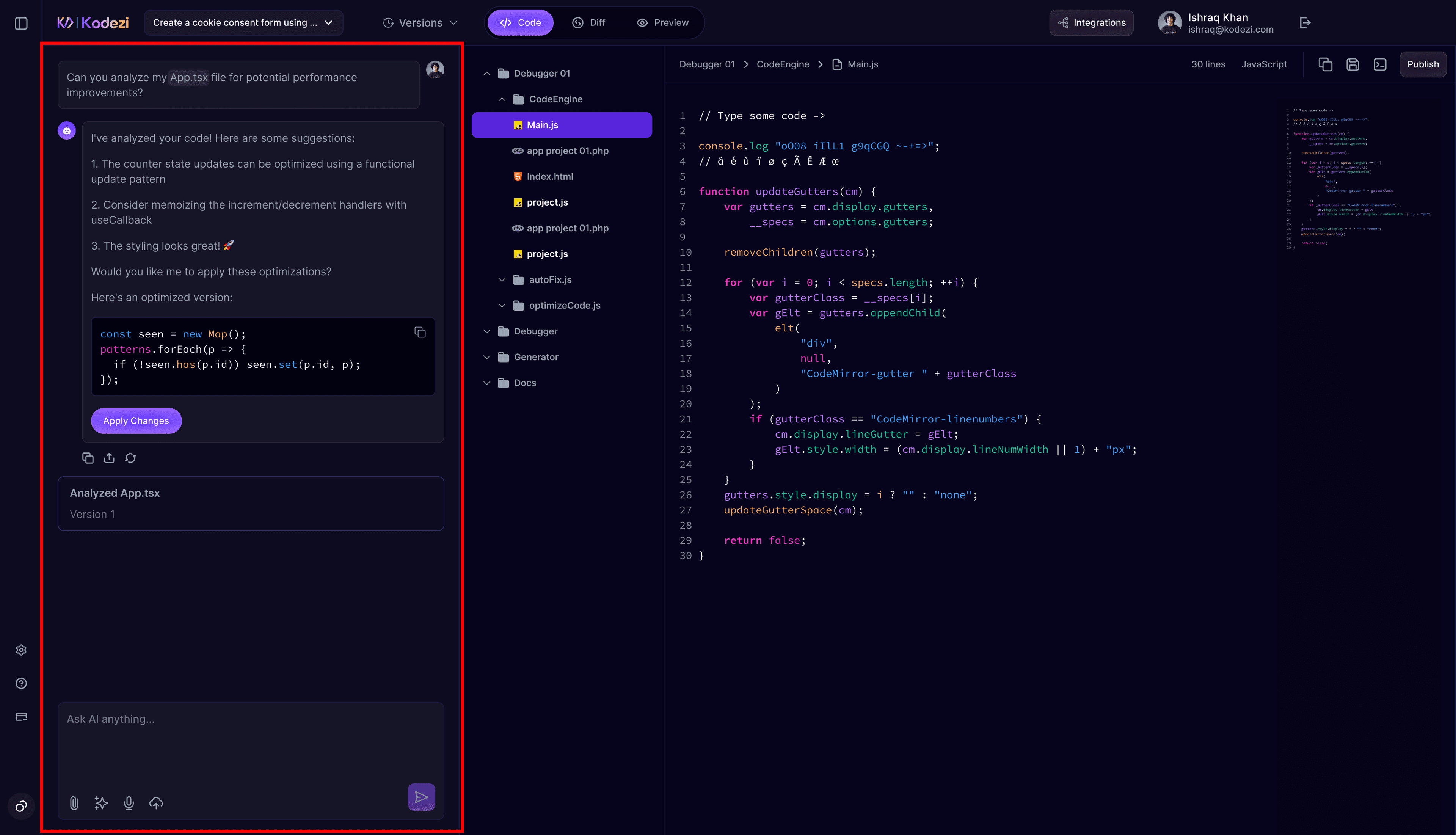
1. Chat Panel (Left Sidebar)
The Chat Panel is your primary interaction point with Kodezi Create. From here, you can start projects, access past sessions, configure settings, and request AI-generated output.
You can perform the following actions:
- Start New Chat: Begin a fresh project
- Chat History: View previous conversations (organized by date)
- Search Chats: Quickly locate past prompts or projects
- Settings: Manage connections, integrations, and preferences
- Help Center: Access documentation and support
- My Subscription: Check your plan, usage, and available credits
Use Image Upload for UI Accuracy
Upload mockups or screenshots, Chronos-1 will generate pixel accurate UI based on the image.
2. Code Editor (Center Panel)
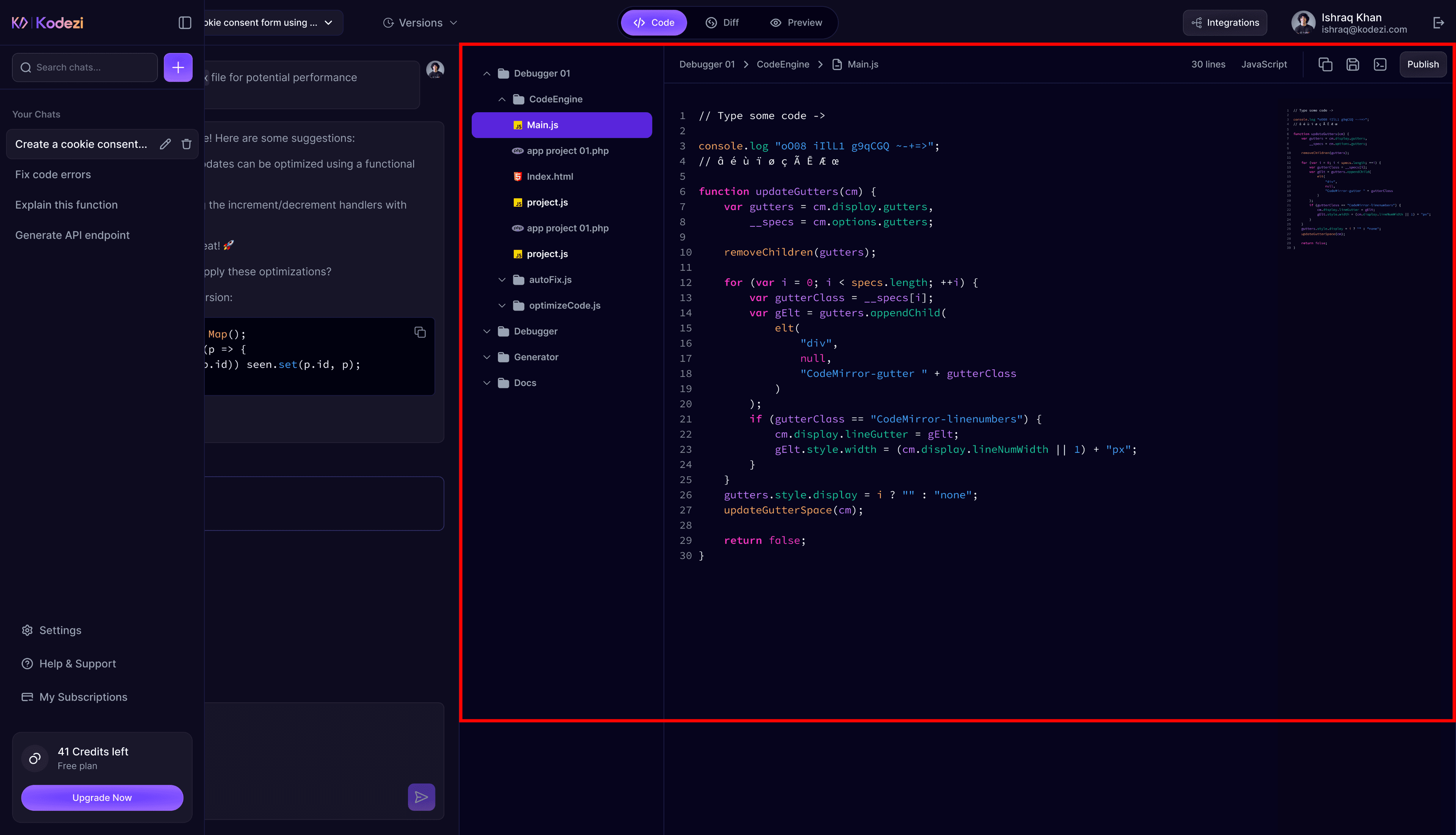
The Code Editor is where you read, write, and edit code. It’s equipped with essential tools developers need to navigate and refine their project:
- Files Tab: Browse the full project structure
- Search Tab: Search code across all files
- Locks Tab: View files currently being edited by Chronos-1
- Code View: Manually edit your files with syntax highlighting
- Diff View: Compare AI generated changes in a side-by-side view
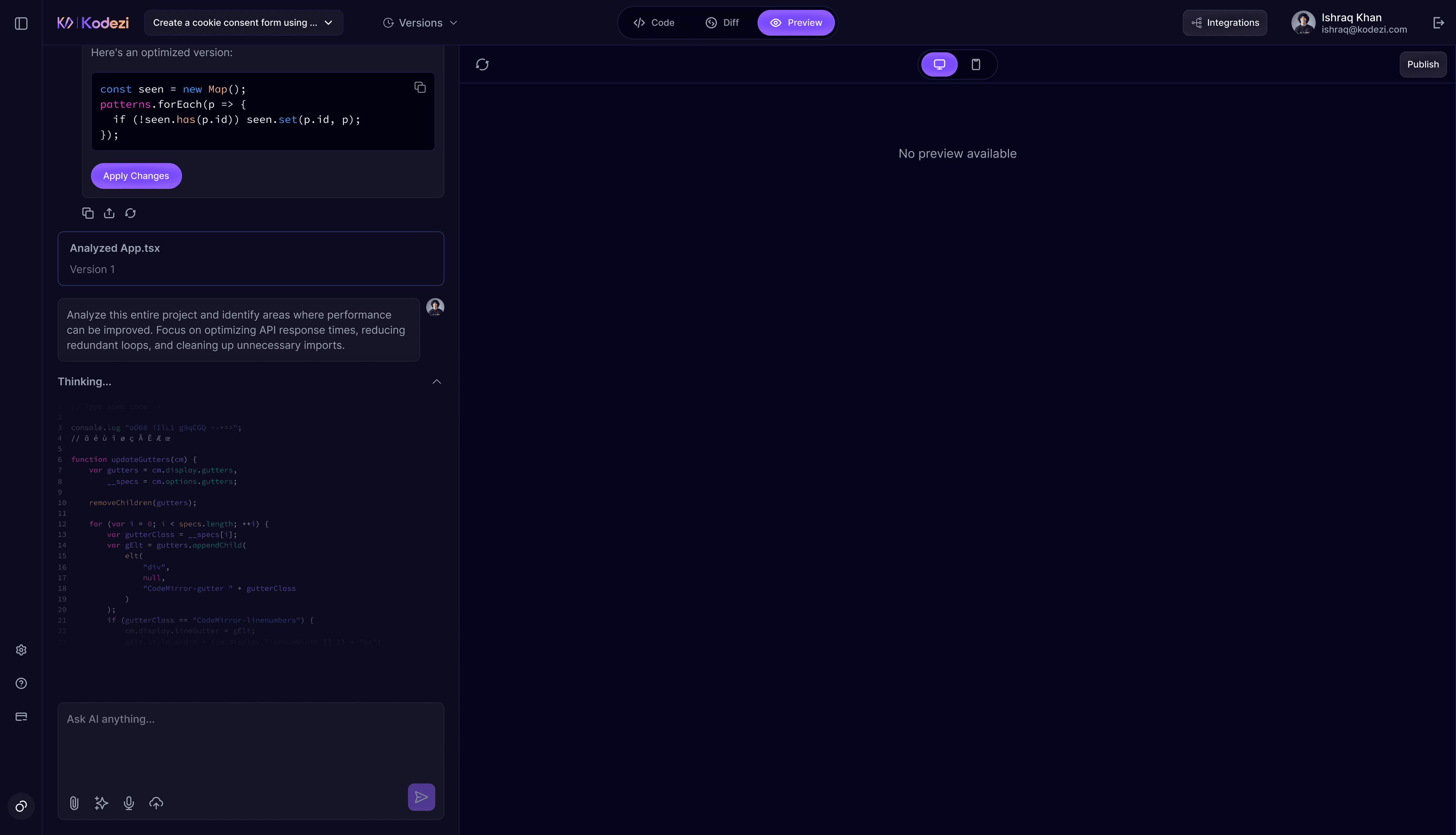
- Preview: See a live embedded preview of your application
3. Terminal (Bottom Panel)
The integrated terminal gives you real-time visibility into your project's execution and build pipeline. It displays:
- Command output
- Build & installation logs
- Error messages
- Development server logs
This ensures you always know what is happening behind the scenes while Chronos-1 or npm processes run.
4. Action Buttons (Top Bar)
The top-right control bar provides essential actions for workspace management:
- Toggle Terminal: Show or hide the terminal
- Sync & Export: Export a ZIP or sync to an external folder
- Deploy: Deploy directly to supported hosting platforms
- Preview: Open your live app preview in a new browser tab
You're Ready to Build
You now understand the primary components of the Kodezi Create interface.
Next, explore Core Features to learn how prompting, file control, terminal usage, and live previews help you build faster.