
 Switch to Kodezi Code
 Kodezi CLI
Build Your First Project
Learn how to begin building instantly with Kodezi Create using simple prompts and zero setup.
Kodezi Create makes it possible to build full applications instantly using natural language prompts.
Create Your First Project
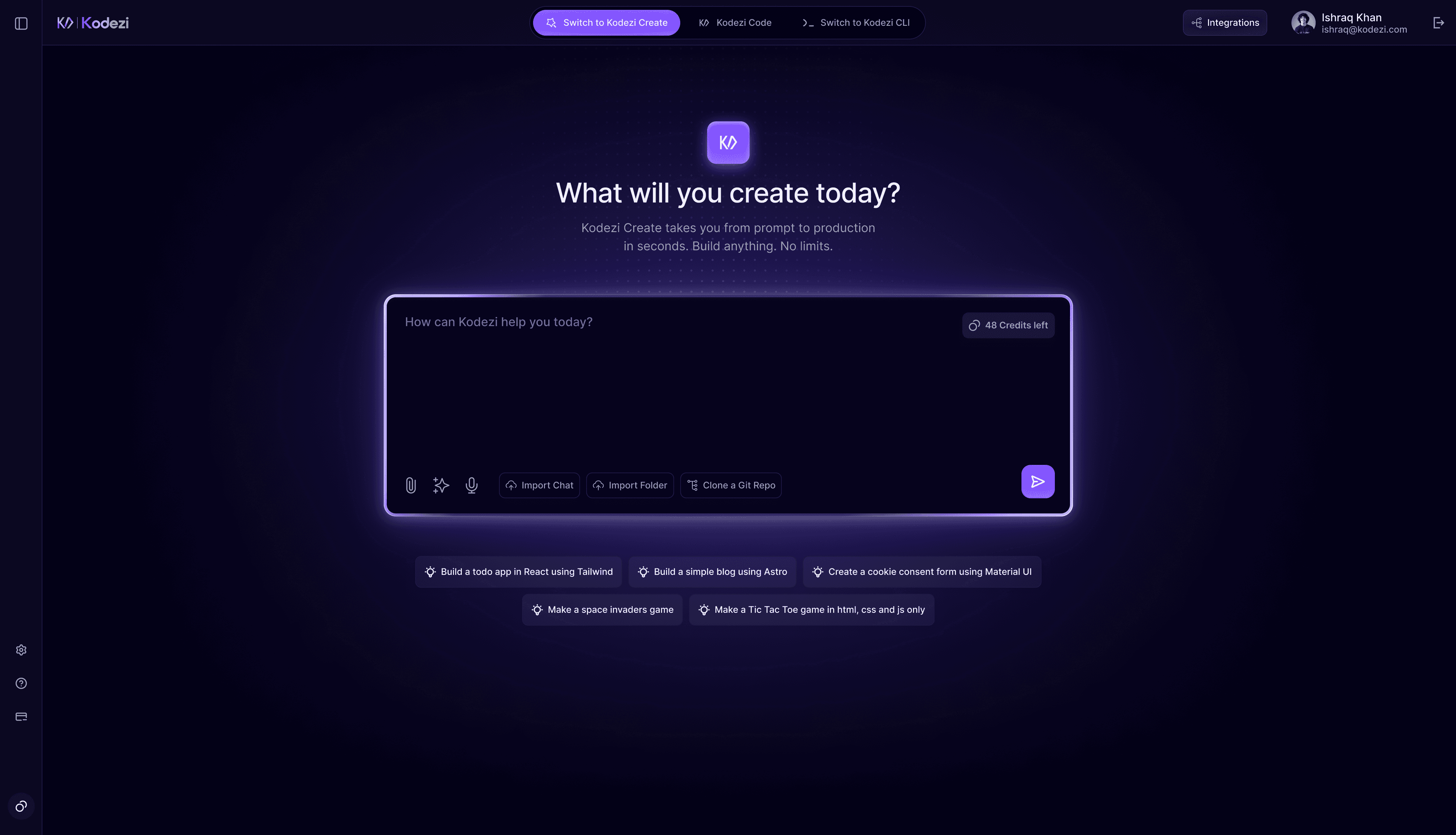
1. Open Kodezi Create
Navigate to the Kodezi Create web app and sign in with your Kodezi account. After logging in, you’ll be taken directly to your main workspace.
2. Create Your First Project
In the chat input, type what you want to build
Example:
- “Create a todo app using React and Tailwind CSS”
- “Build a weather app using OpenWeather API”
Press Enter to begin generating your project.
3. Watch Chronos-1 Build
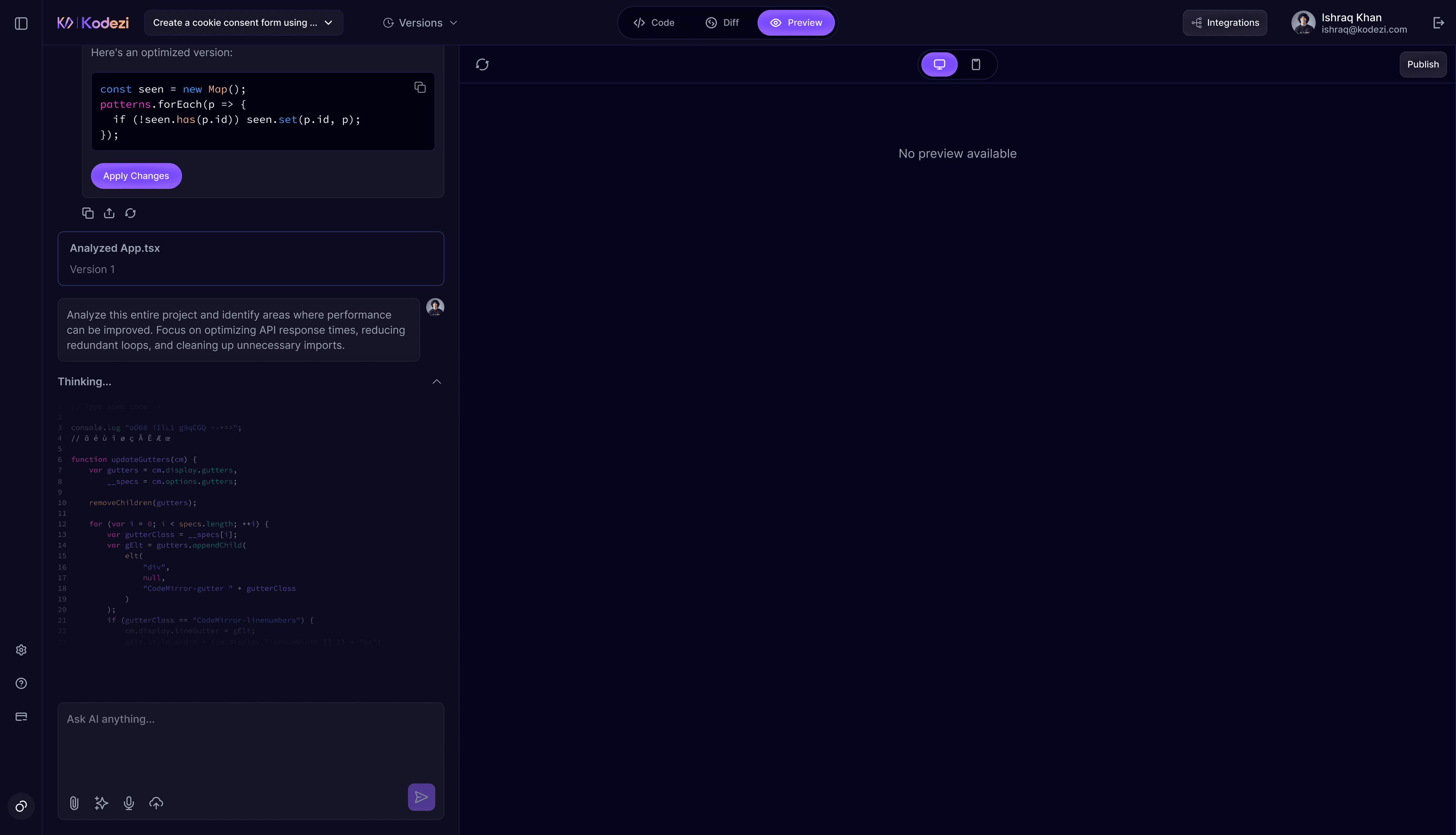
Chronos-1 will automatically generate your project files, install all dependencies, start the development server, and open a live preview, no setup required.
No Installation Needed
You don’t need Node.js, npm, VS Code, or any setup. Everything runs in the cloud.
Prompts Examples
Below are example prompts to help you get started quickly:
Simple Starter Prompts
- “Create a todo app using React and Tailwind.”
- “Build a simple blog with Astro.”
- “Make a calculator with vanilla JavaScript.”
- “Build a landing page for a startup.”
Feature Rich Prompts
- “Build a space invaders game using JavaScript canvas.”
- “Create a cookie consent popup using Material UI.”
- “Build a weather app using the OpenWeatherMap API and Tailwind.”
Complex Application Prompts
- “Create a Next.js dashboard with charts using Recharts.”
- “Build an Express.js API with JWT authentication.”
- “Create a SvelteKit e-commerce product catalogue.”
Tips for Better Results
Be Clear and Specific
Clear prompts lead to more accurate code. Mention frameworks, features, and styling preferences.
Iterate Gradually
Start with a simple version, then ask Chronos-1 to add more features step by step.